
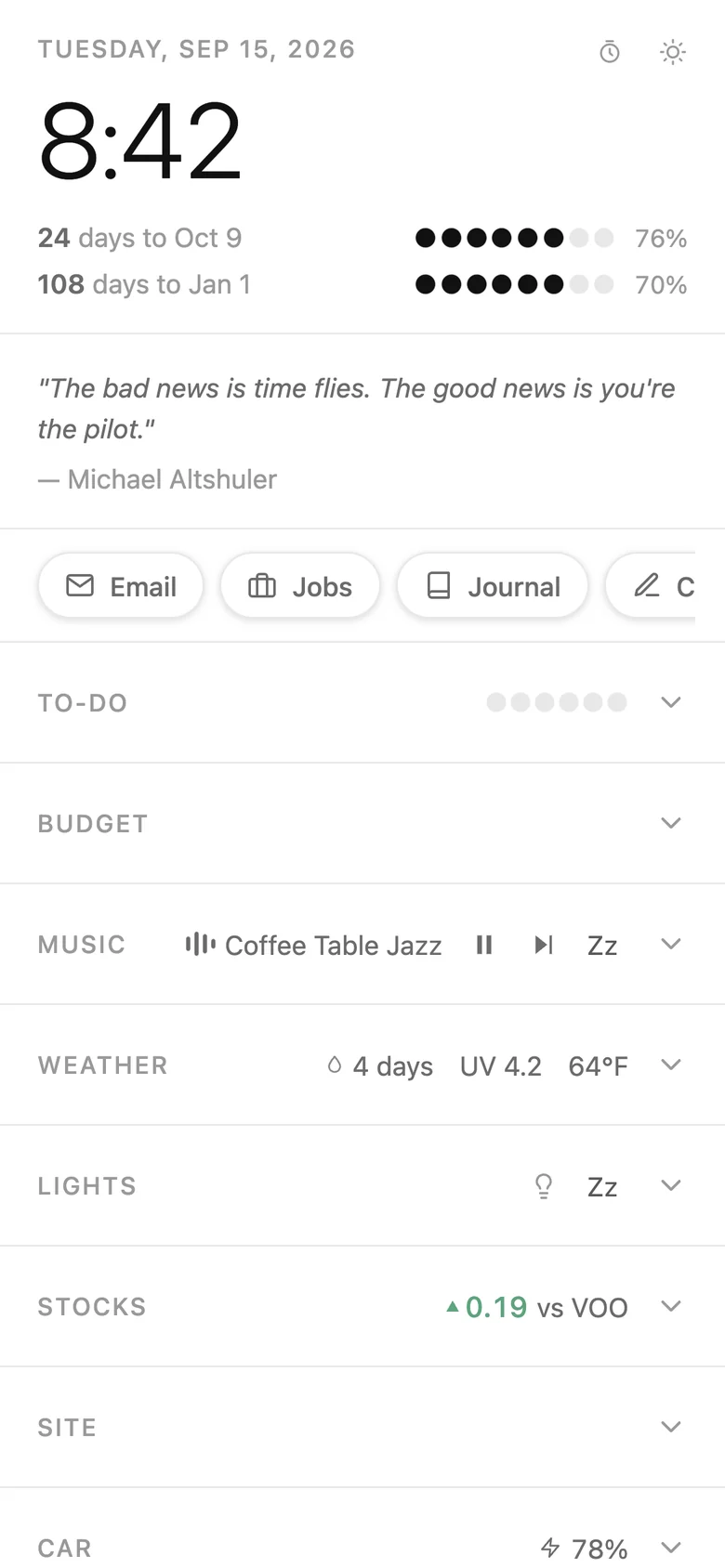
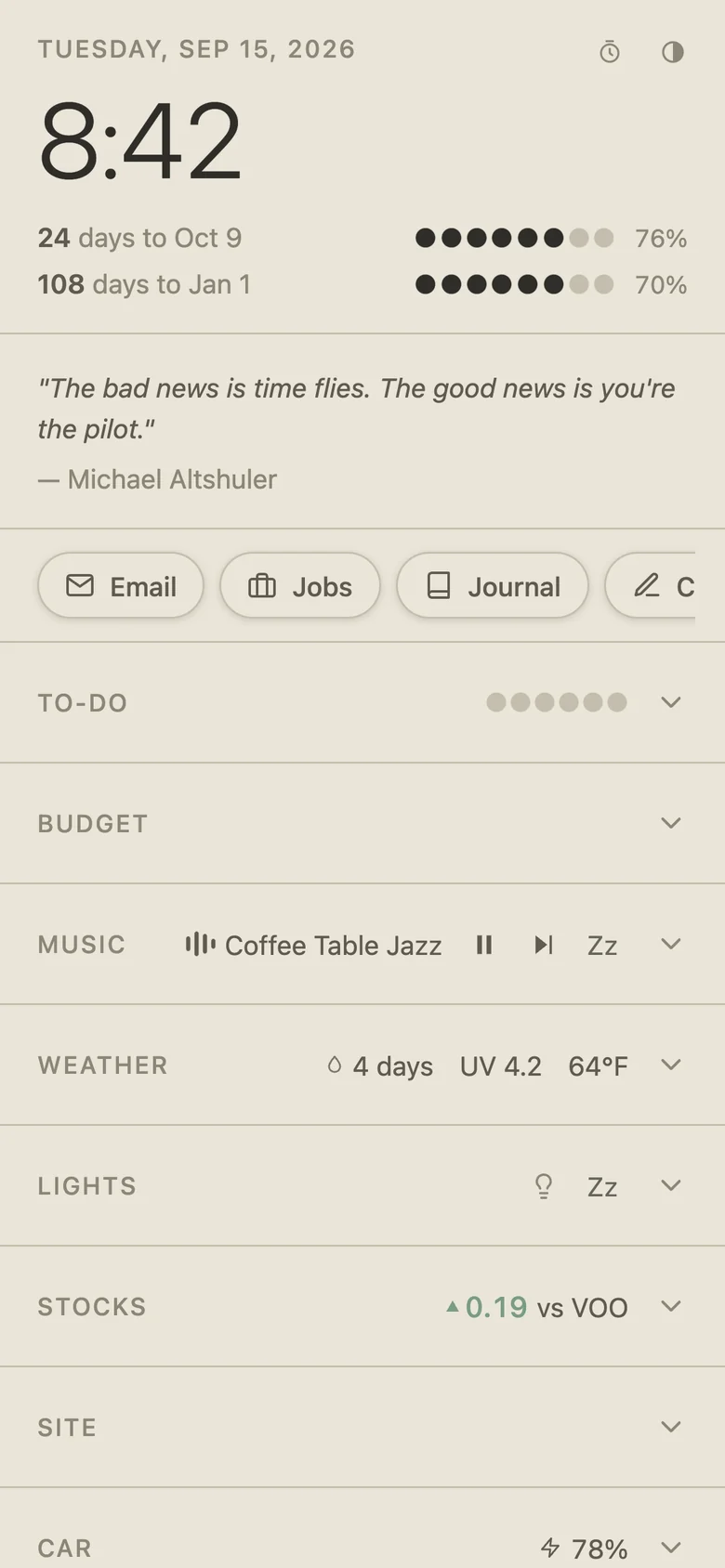
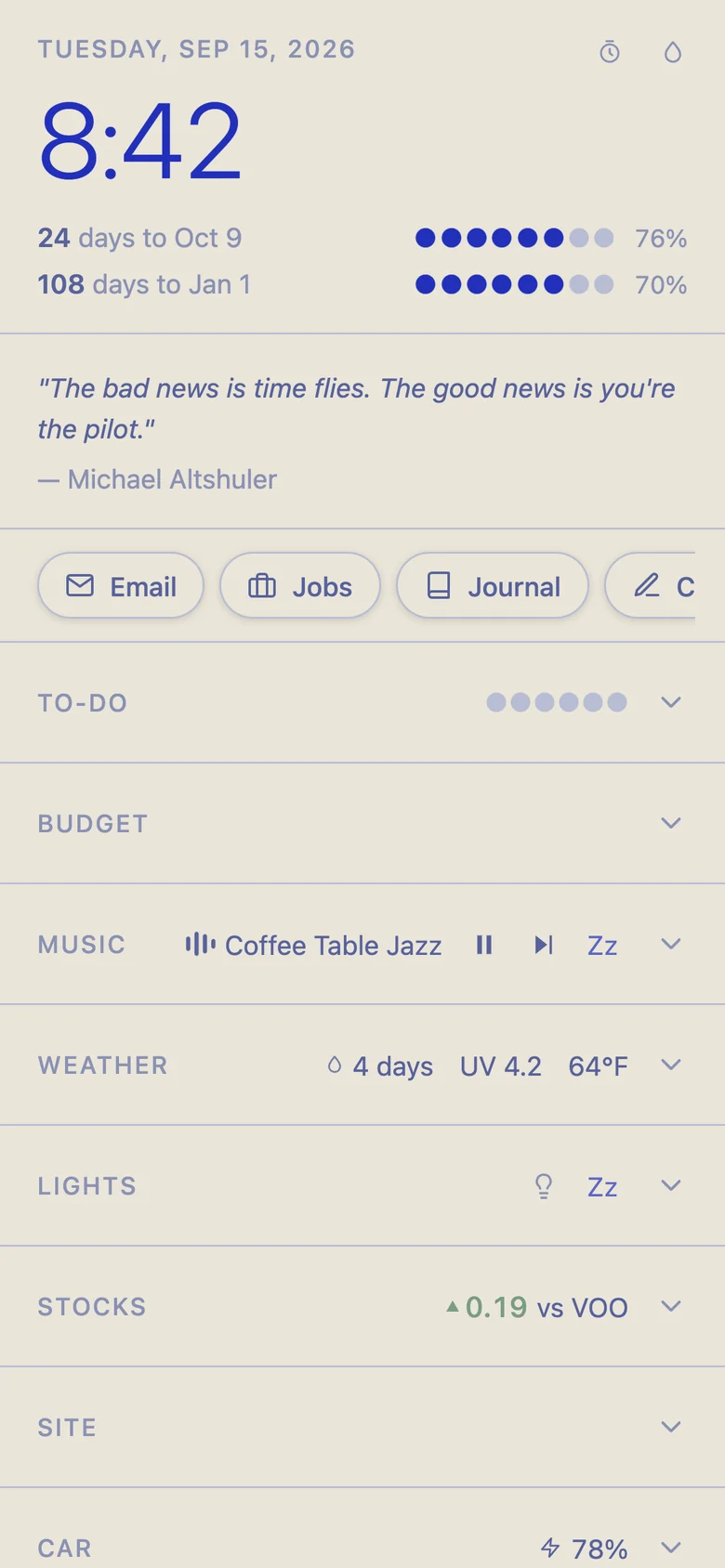
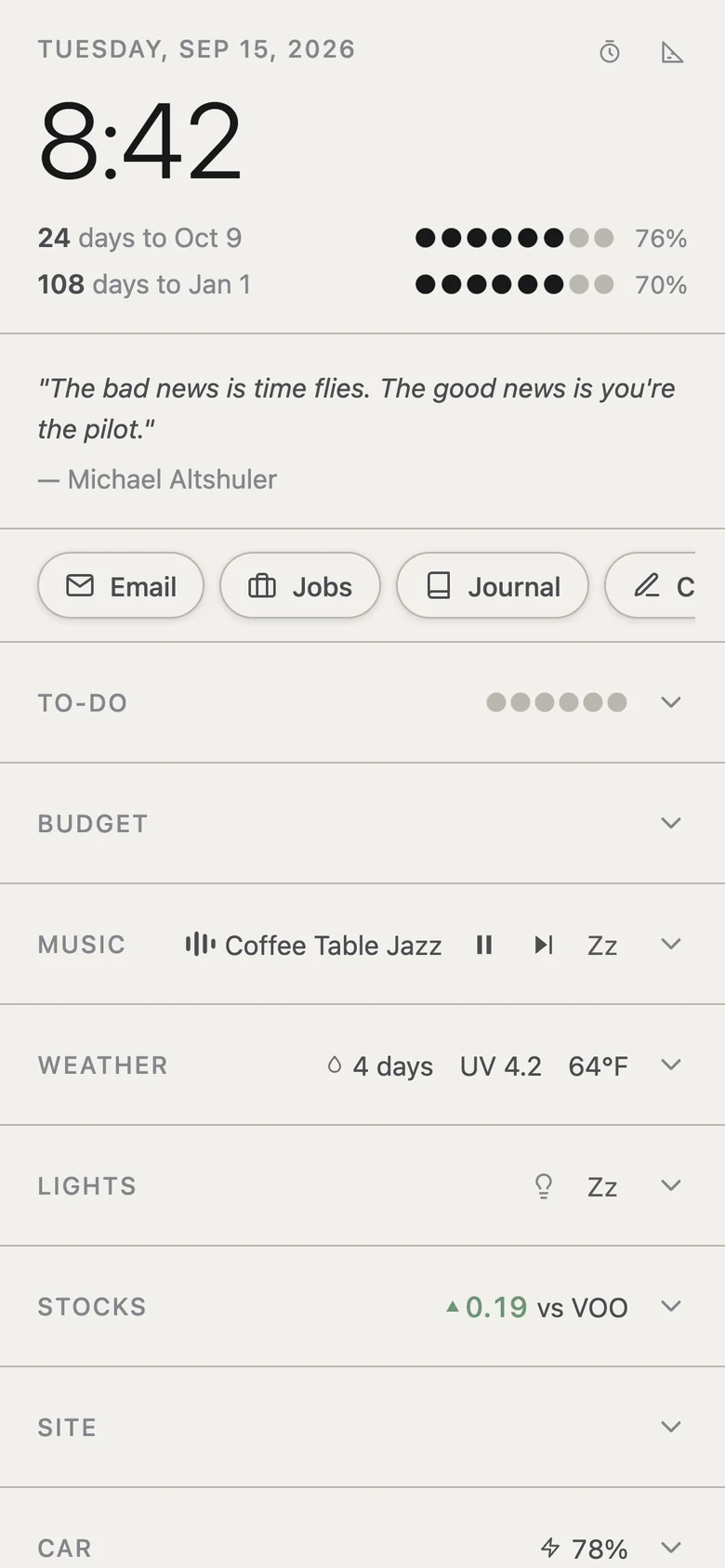
How it evolved
Built, used, rebuilt
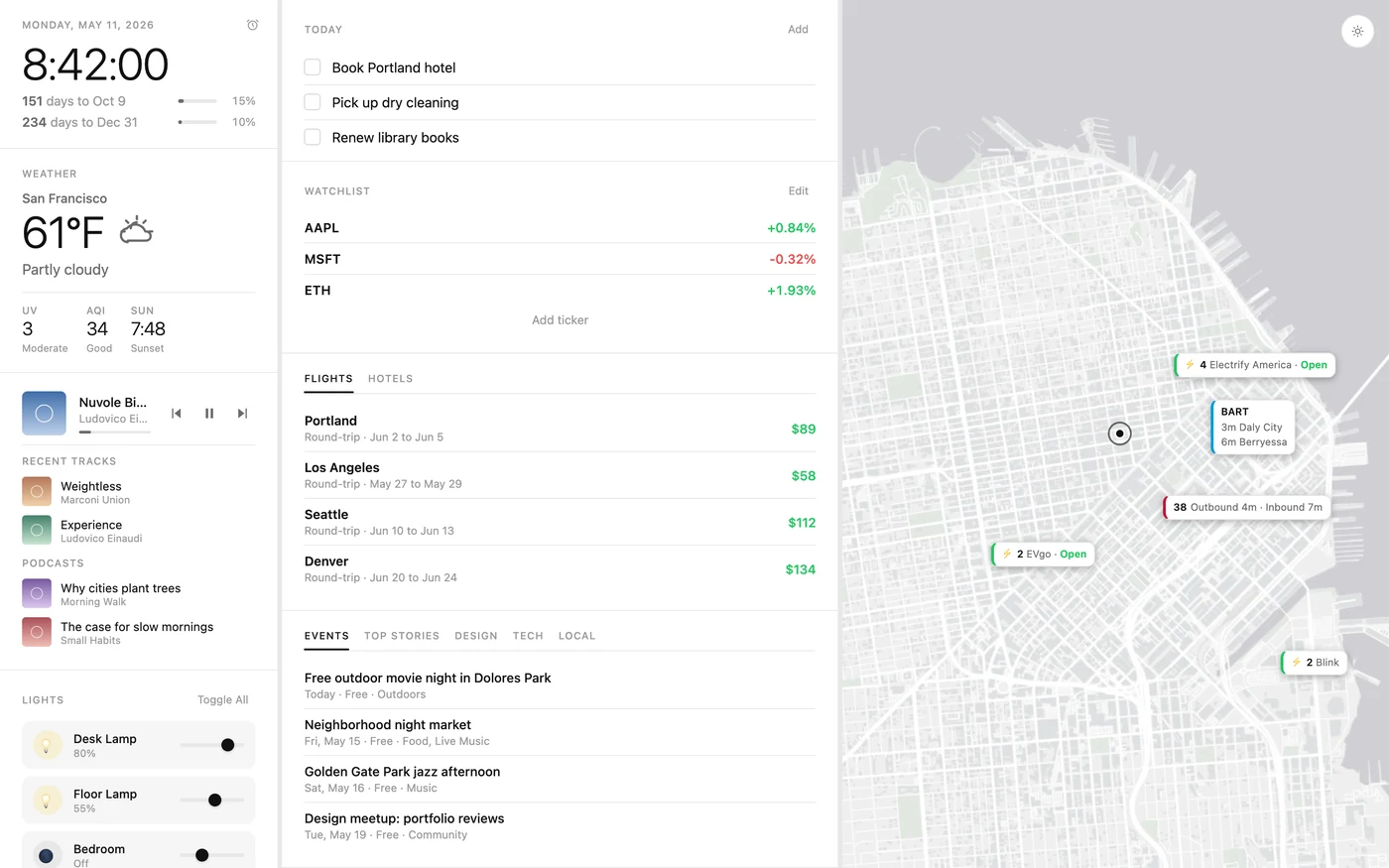
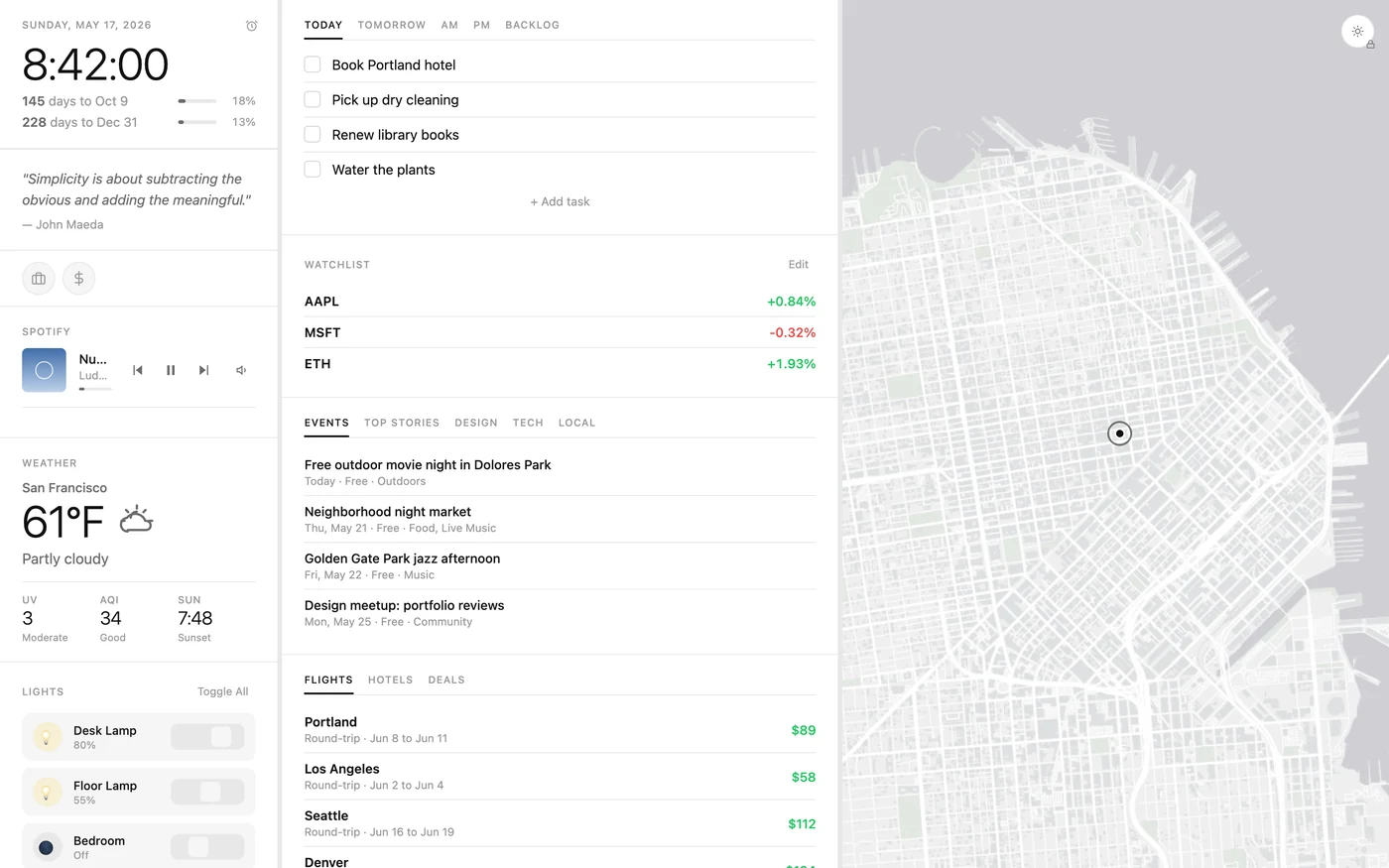
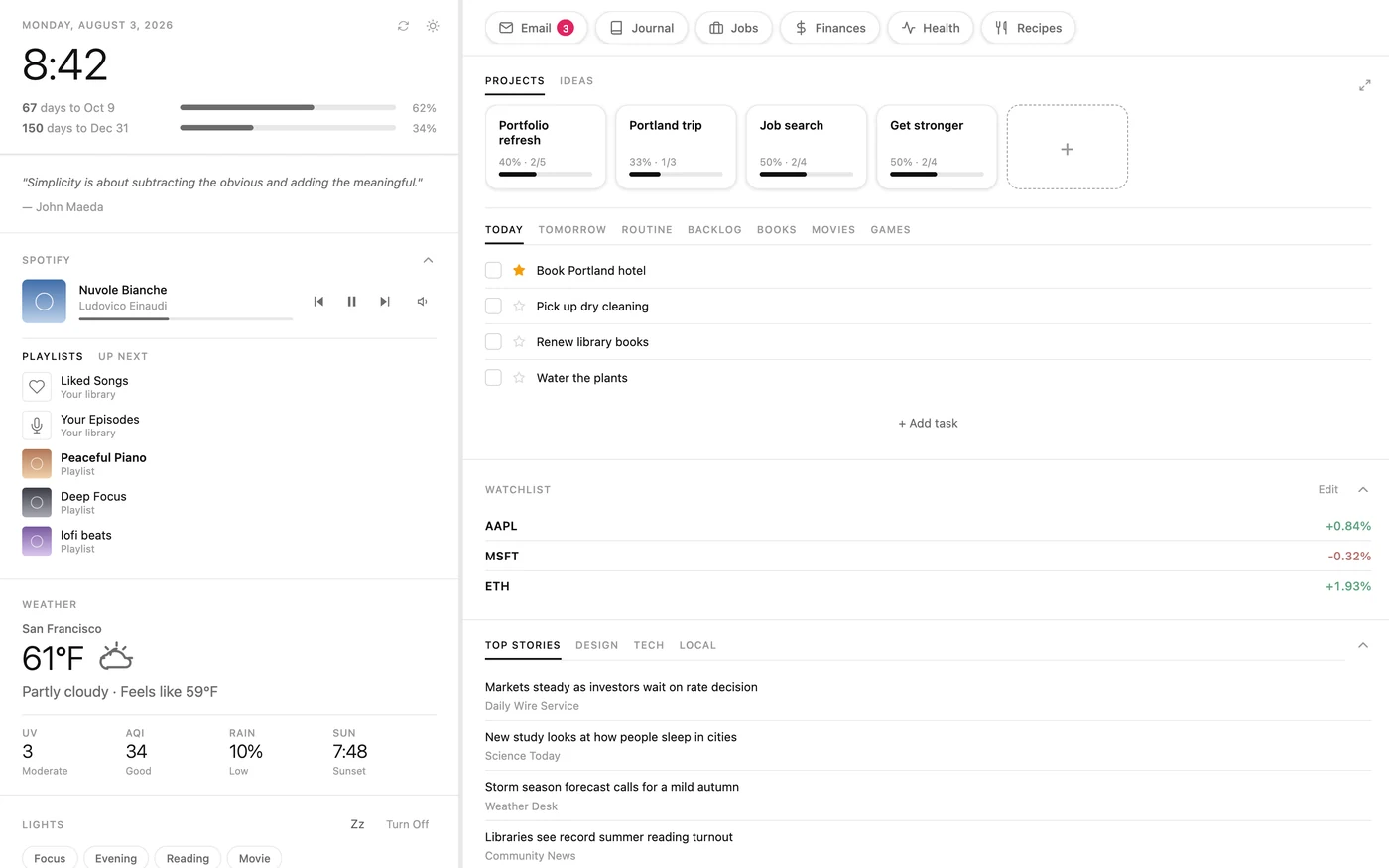
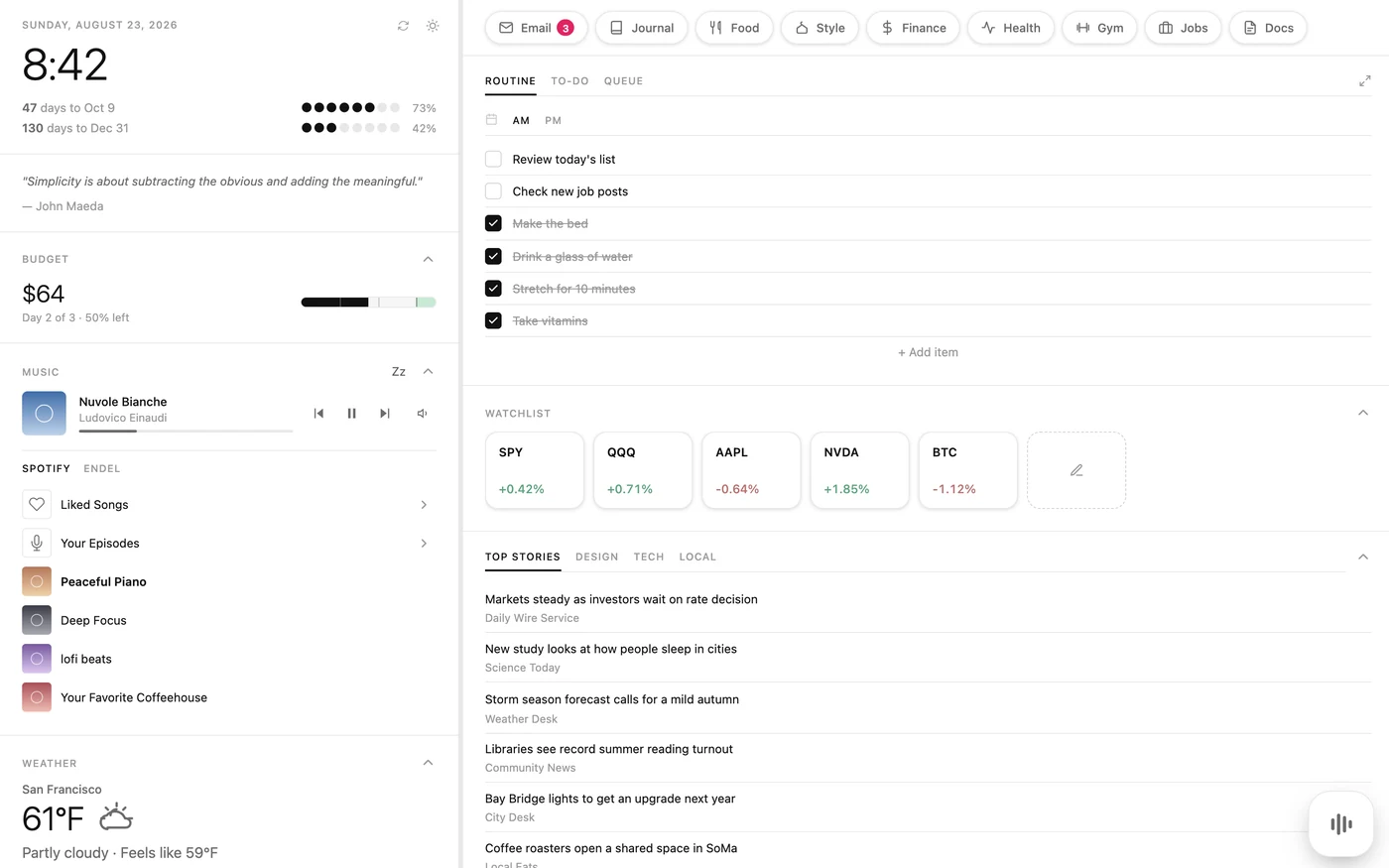
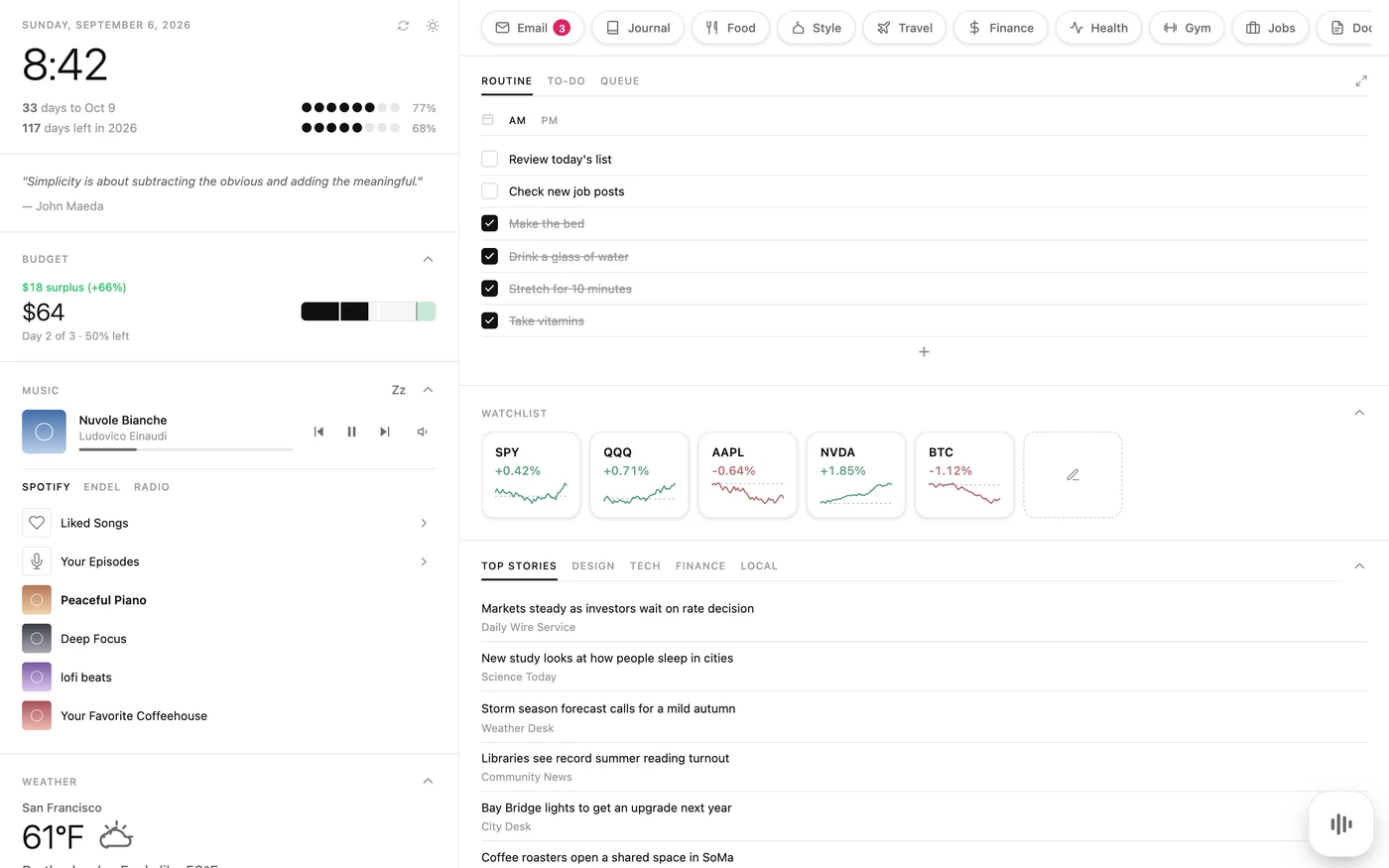
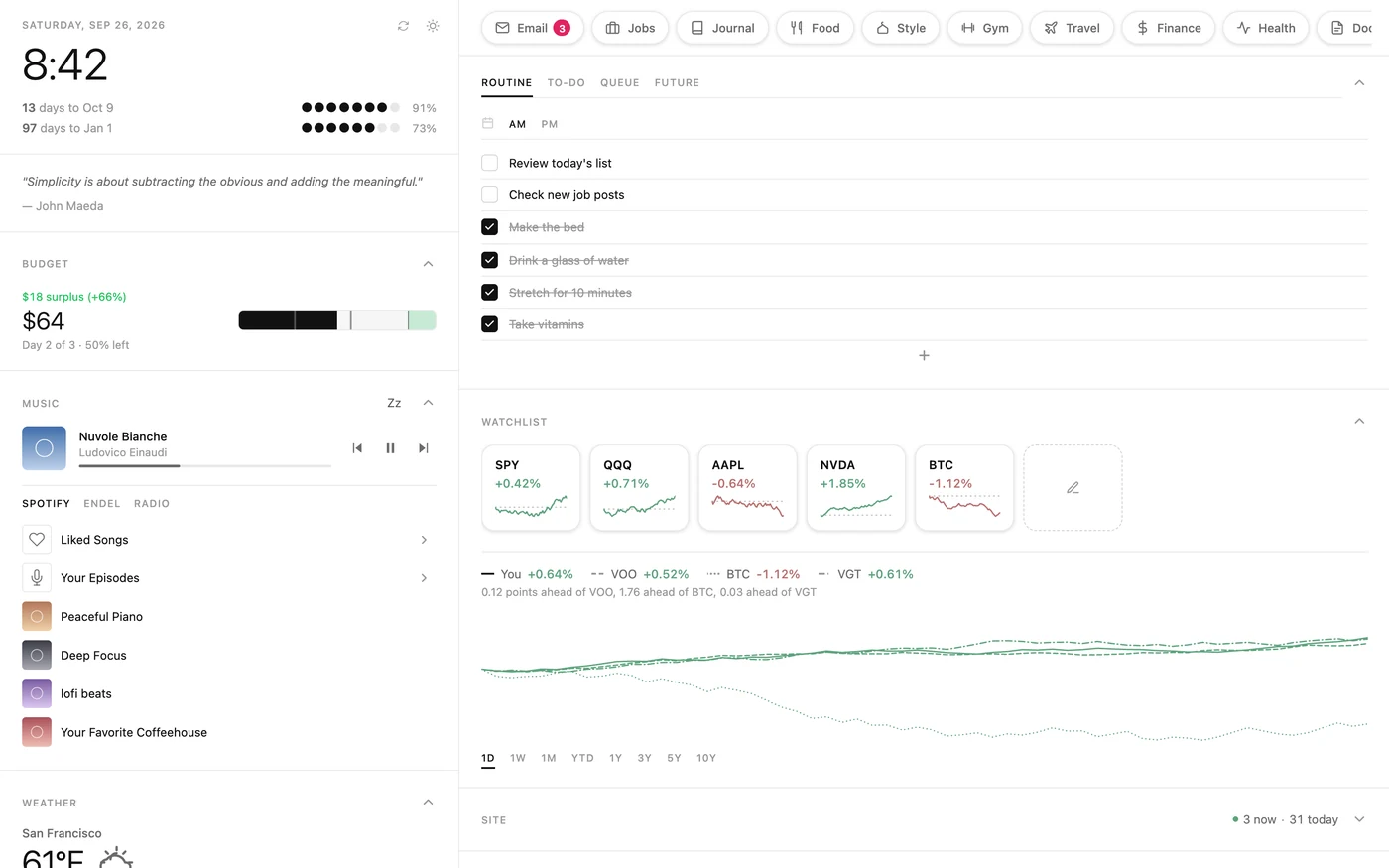
May 11
Weekend one. Tasks, weather, lights and a map.
May 17
Finances and a job tracker move in.
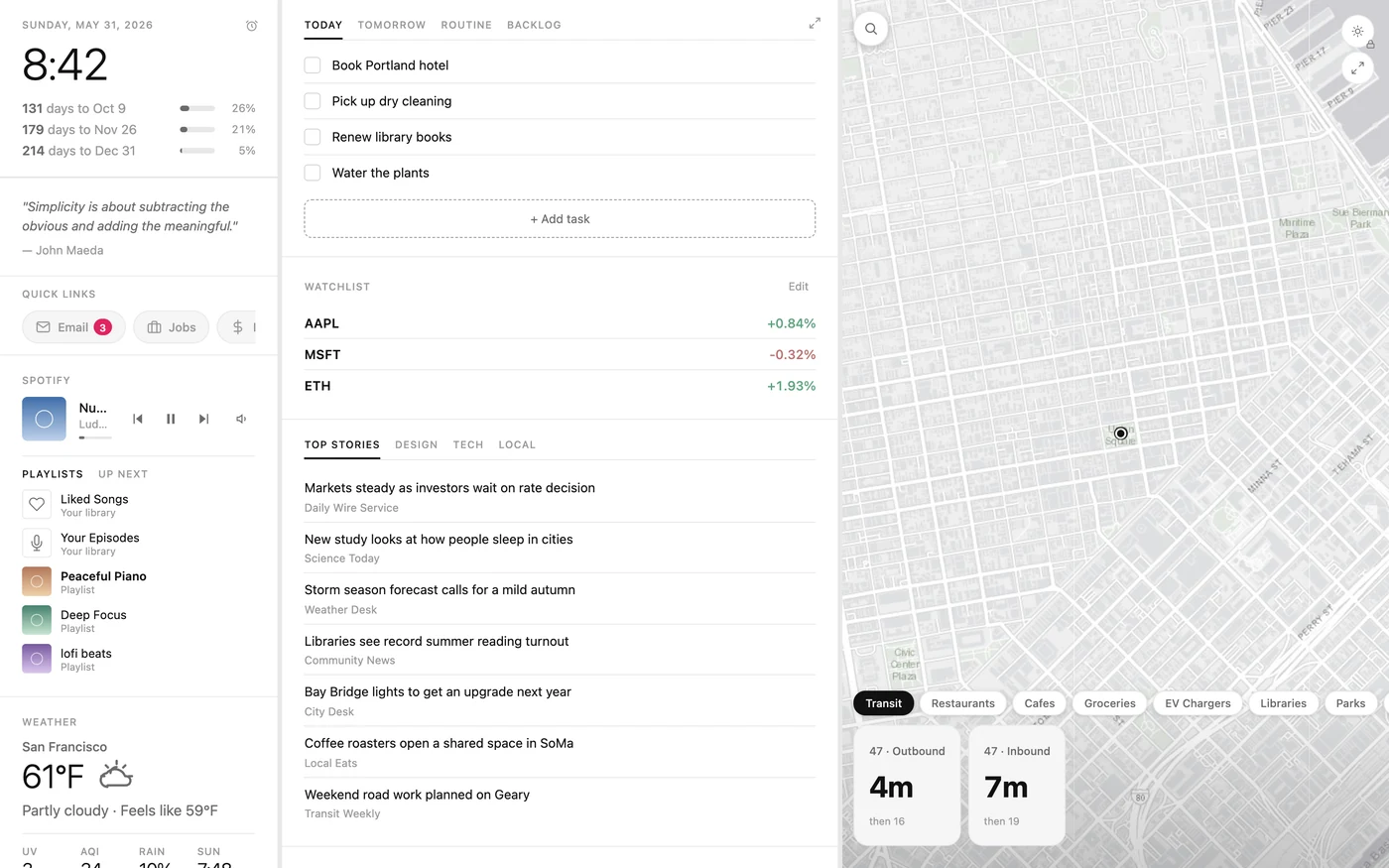
May 31
The vinyl deck sets the look. E-ink theme added.
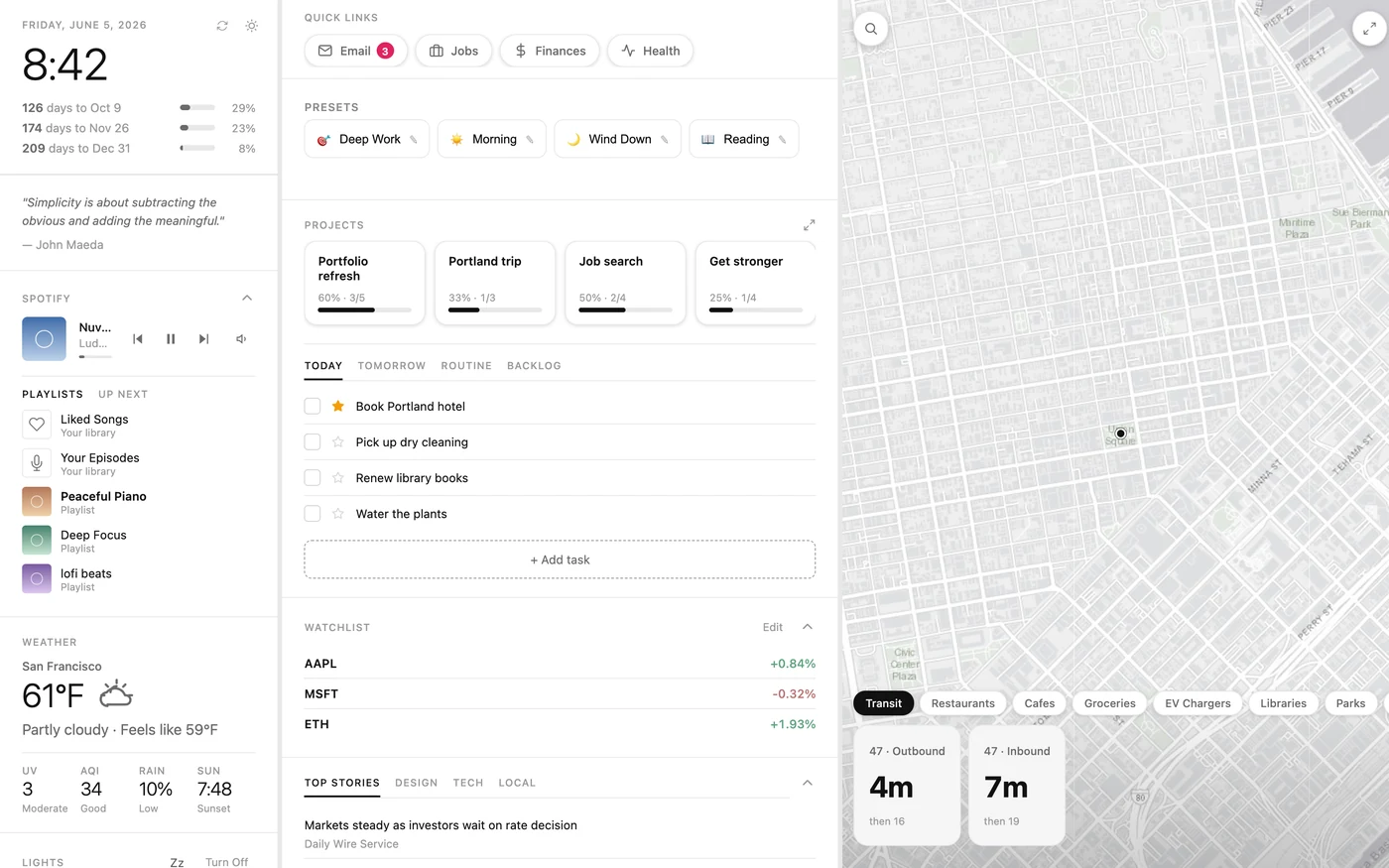
Jun 5
Peak features. Presets set up my whole desktop in one tap.
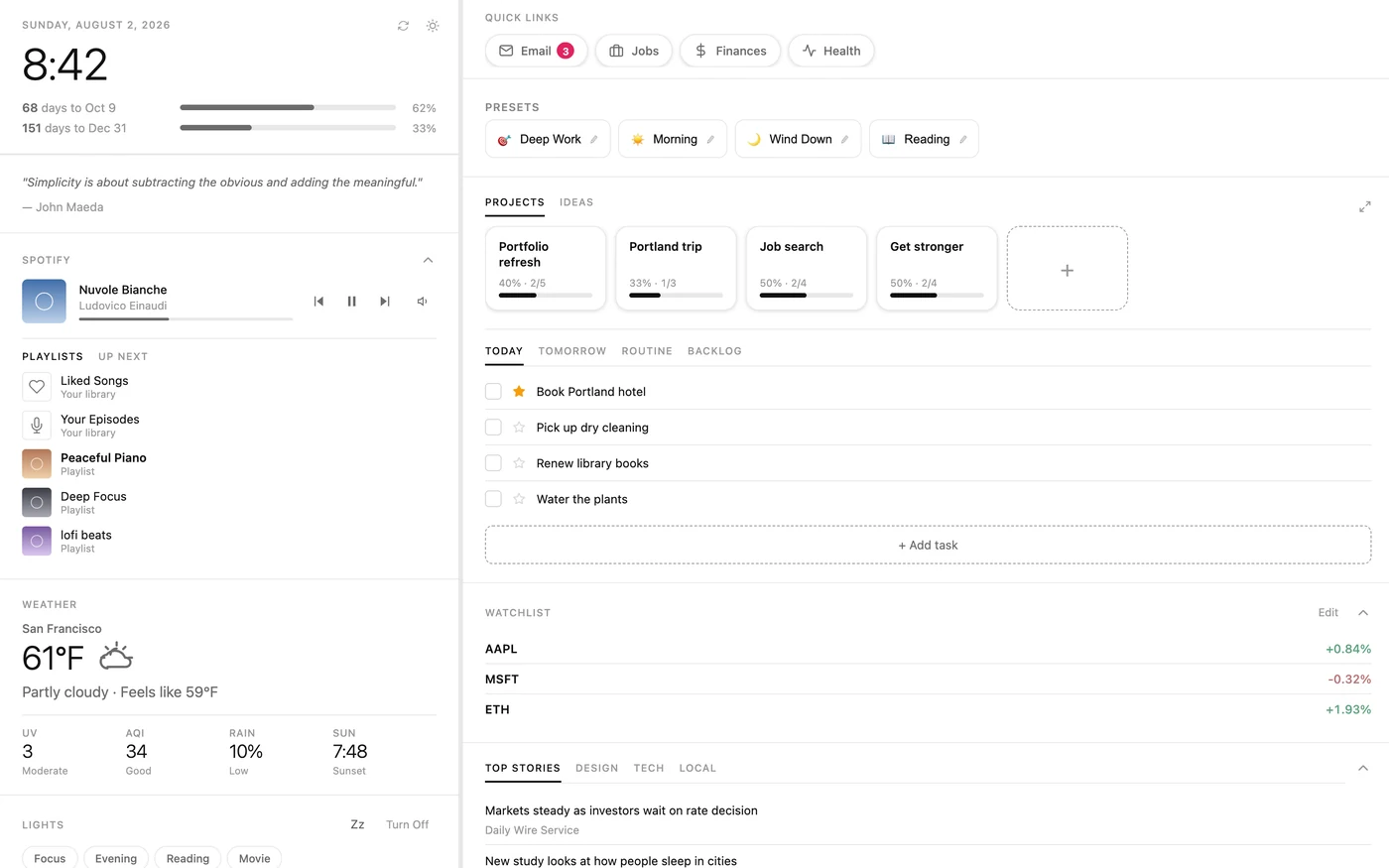
Aug 2
Back after eight weeks. The map is gone.
Aug 3
Moves to a Mac mini, so my phone and iPad can reach it. Presets go.
Aug 23
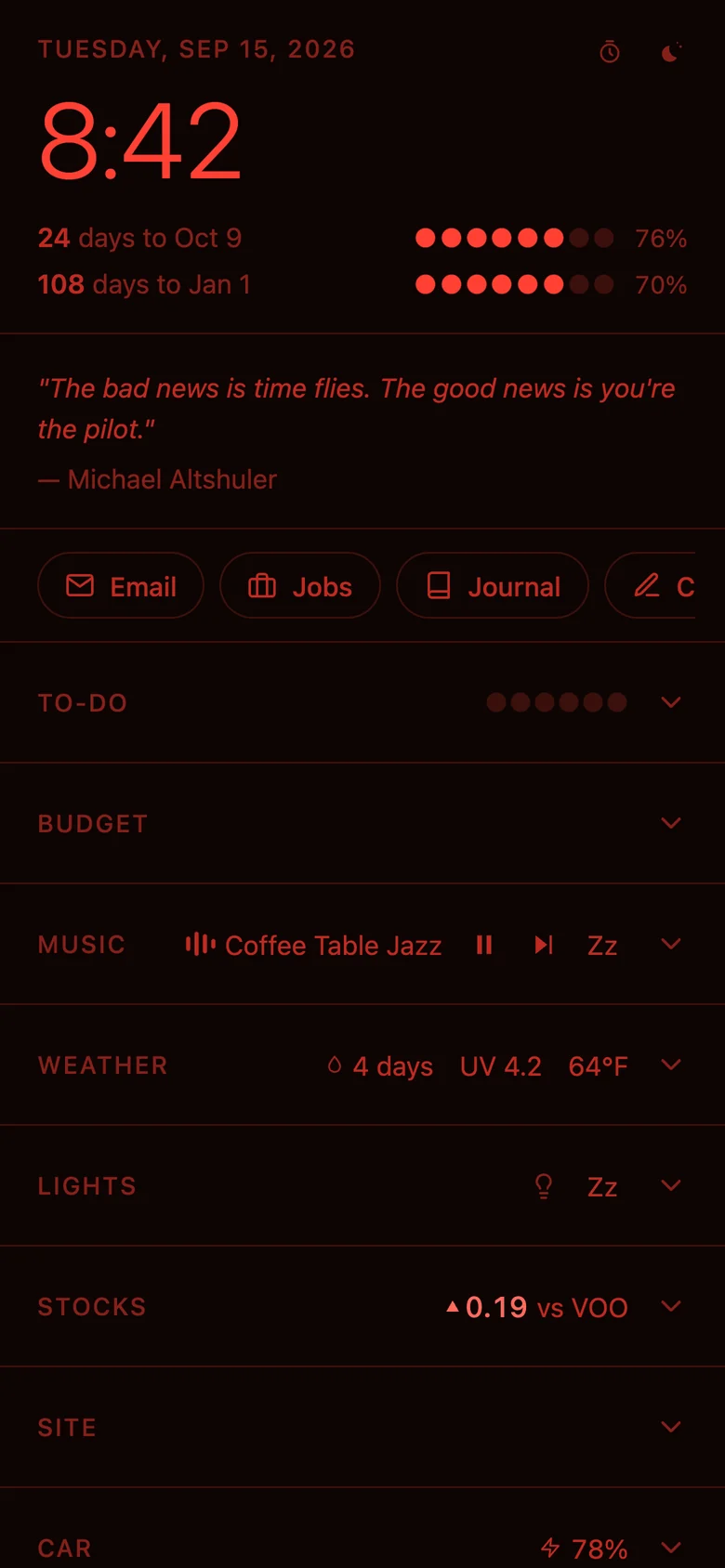
Budget, food, style, gym and docs. Night and Blue ink themes.
Sep 6
Trips grow into Travel, with day plans and fares.
Today
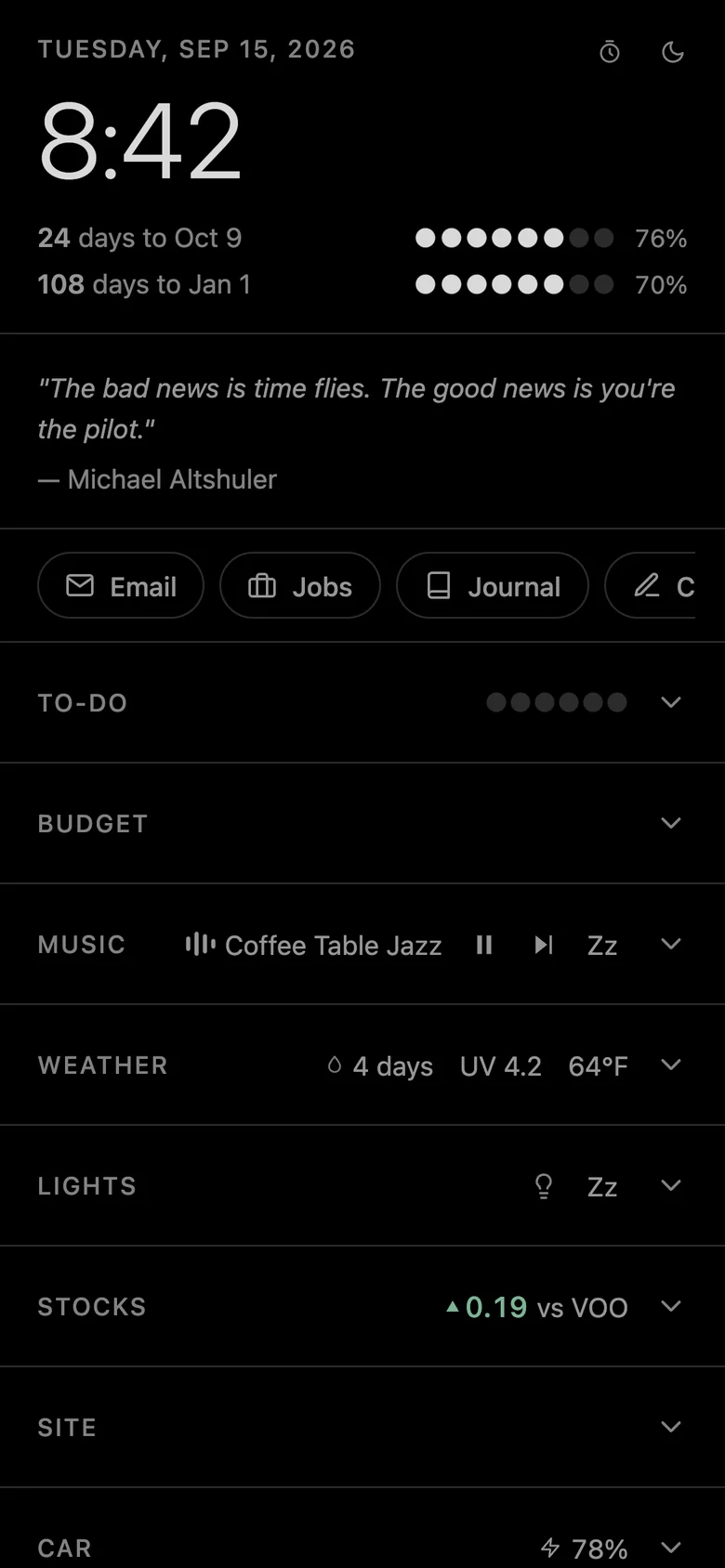
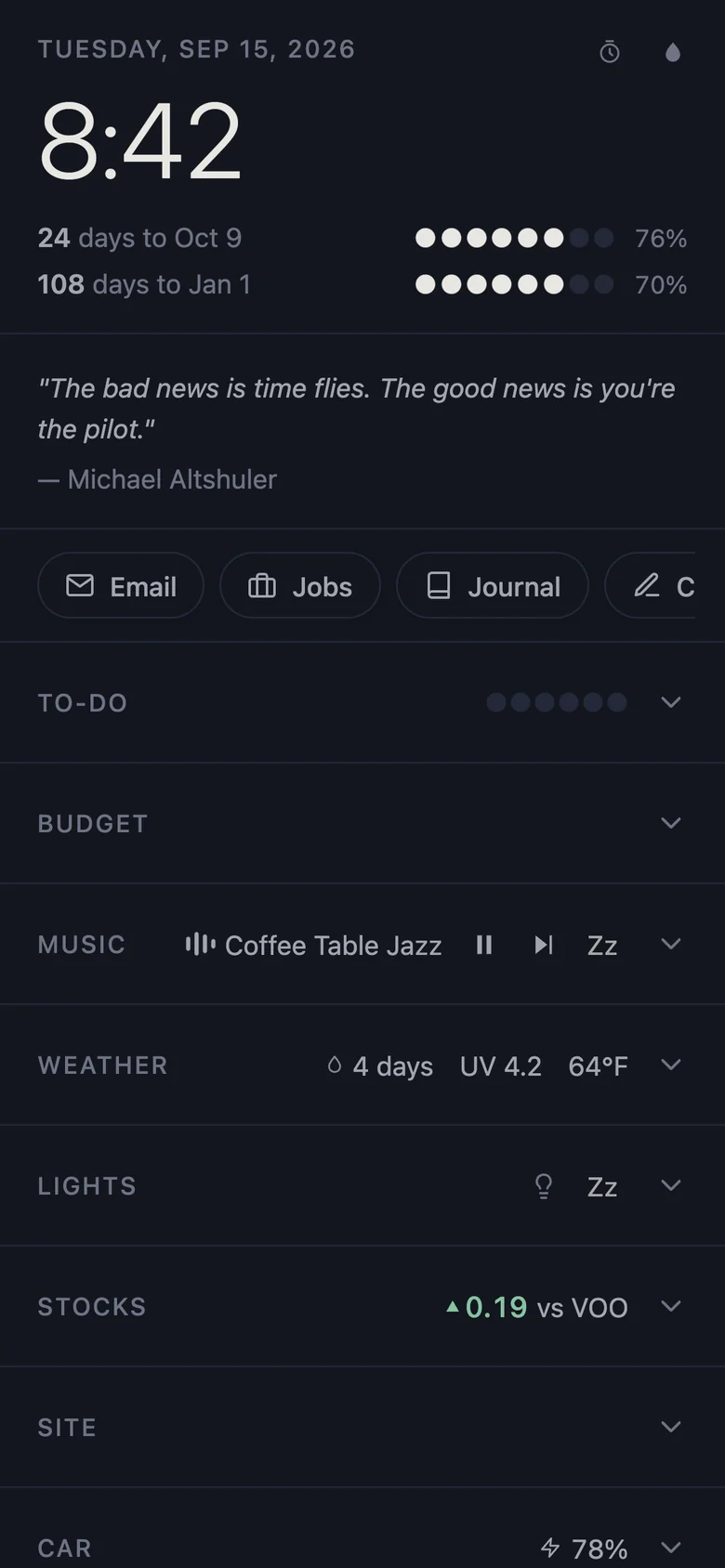
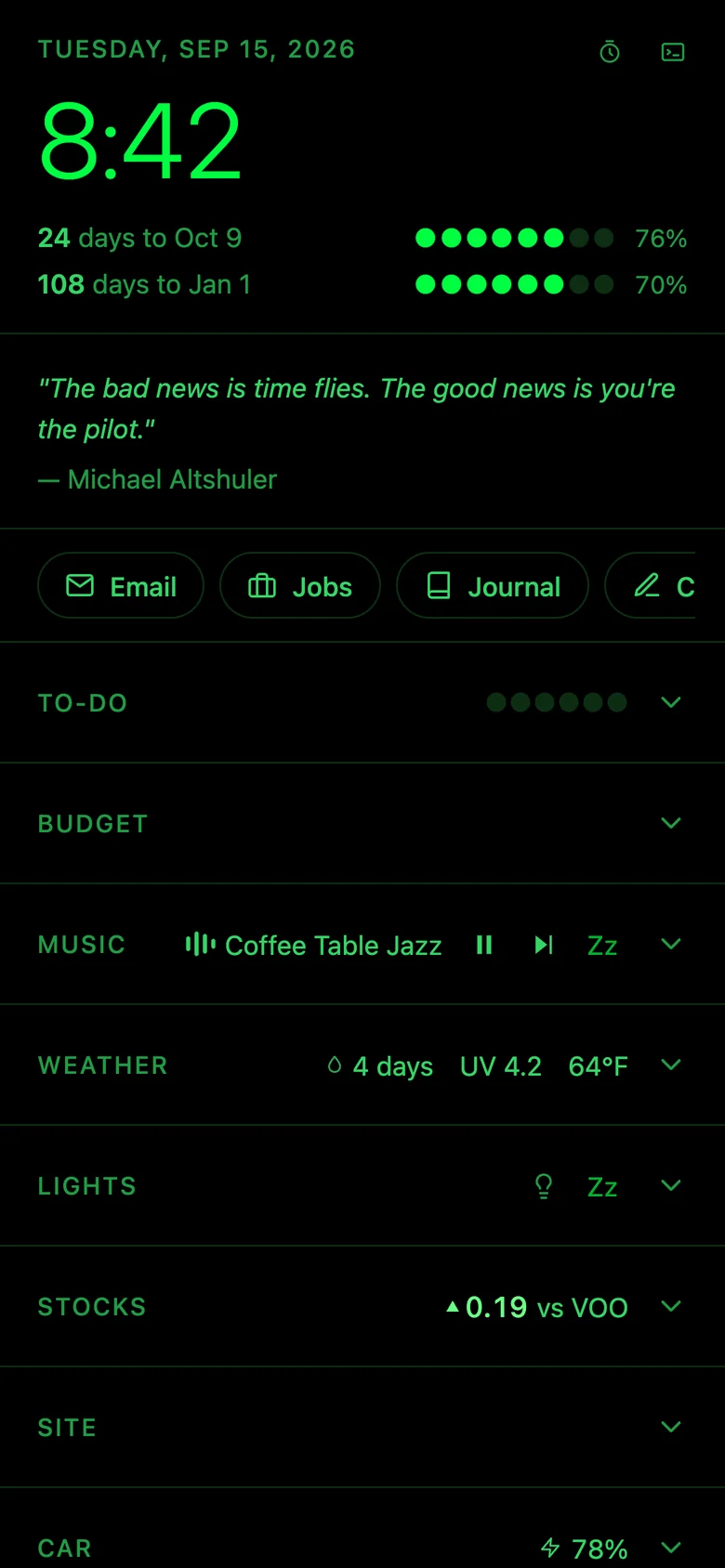
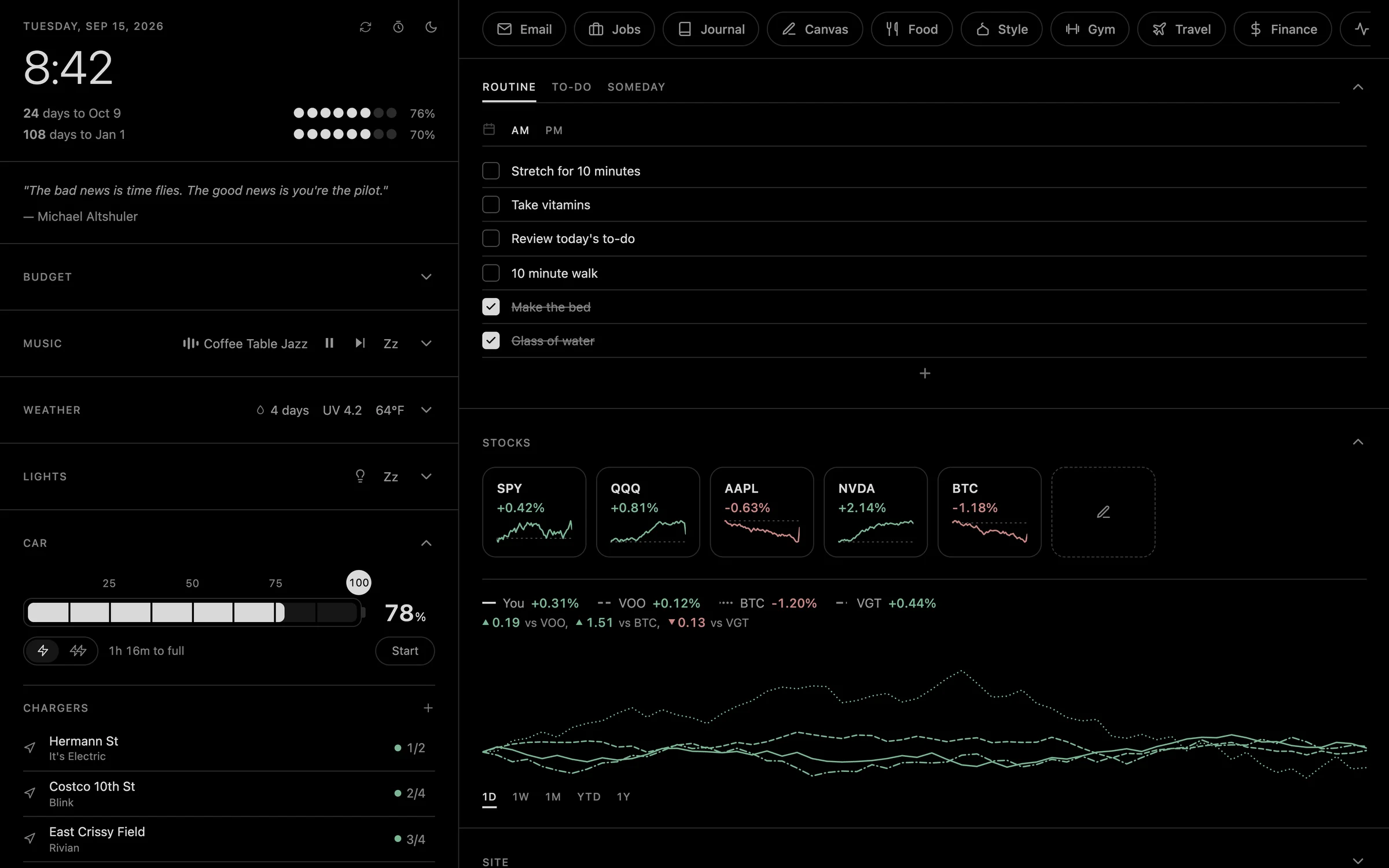
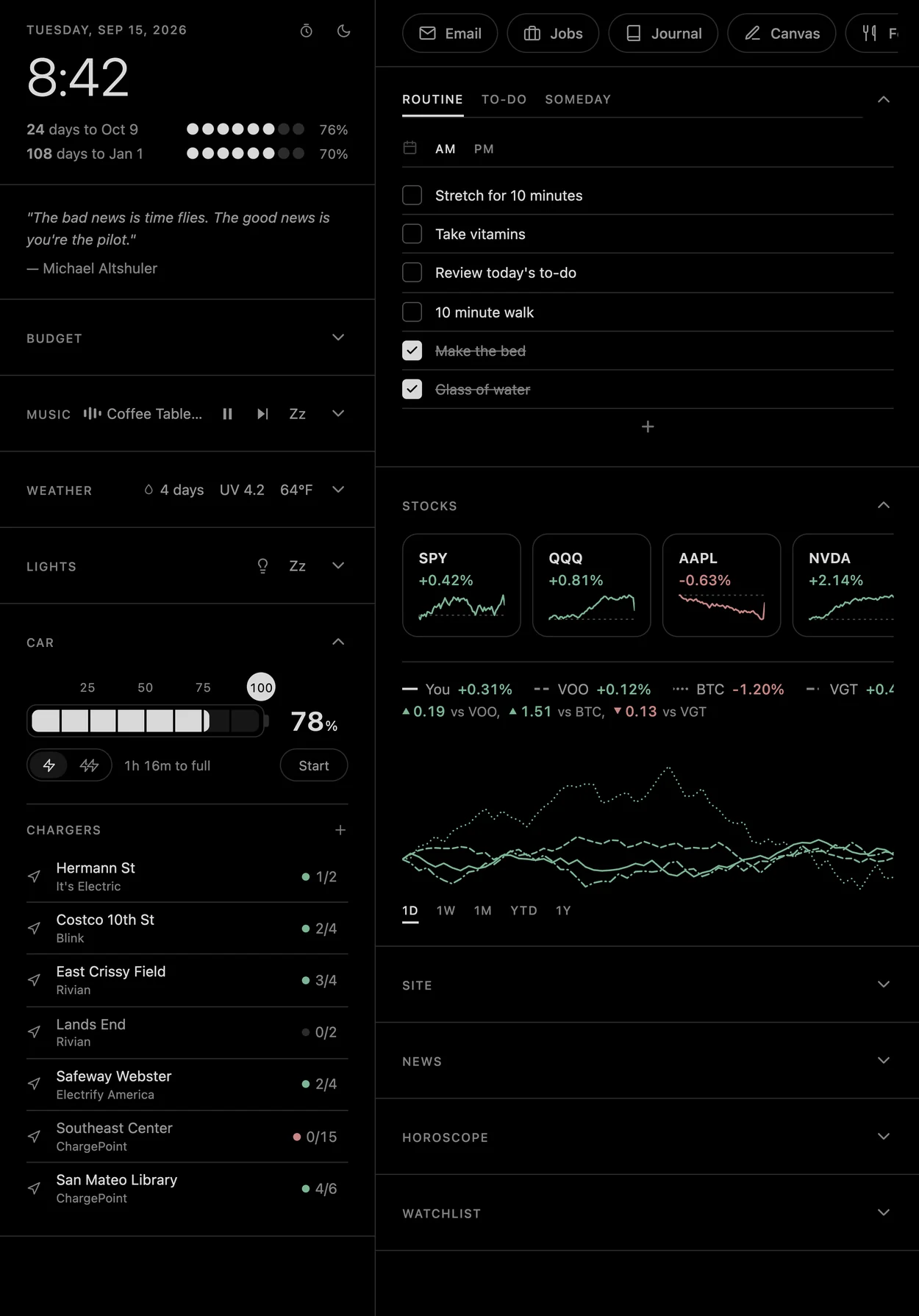
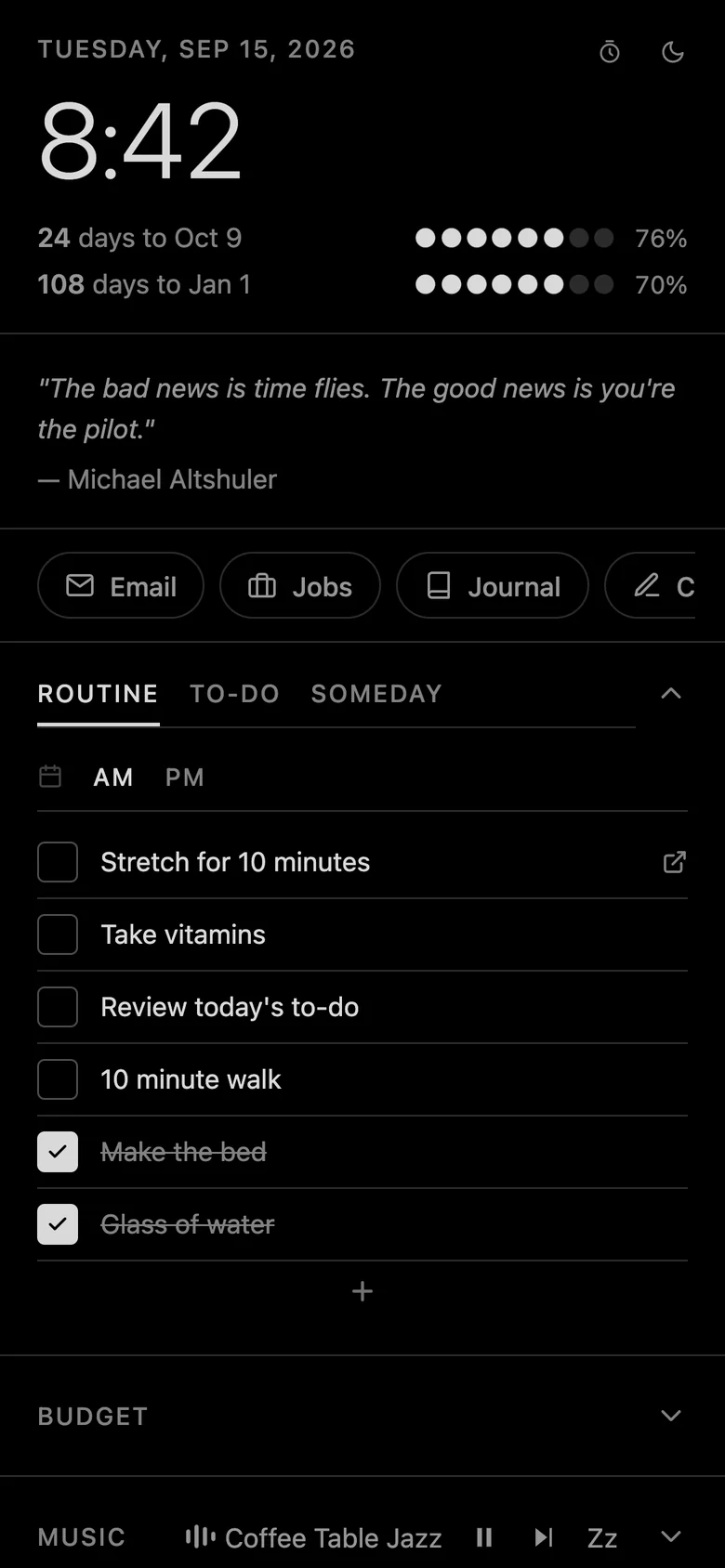
Live charger status and a theme picker split into day and dark.
The icon
How the icon took shape
The home screen icon changed with the app. It started as a placeholder and ended as a mark of its own.
- May 11
A plain dark tile. Something to tap.
- May 28
OS, set in the system font.
- Jul 31
A ring with an S through it, one even line.
- Today
The S redrawn thin where it turns and full through each curve.